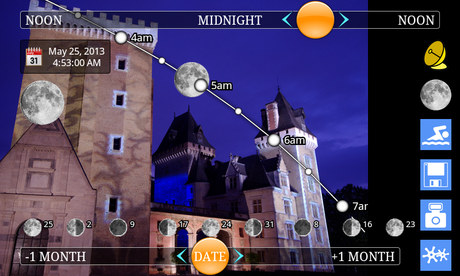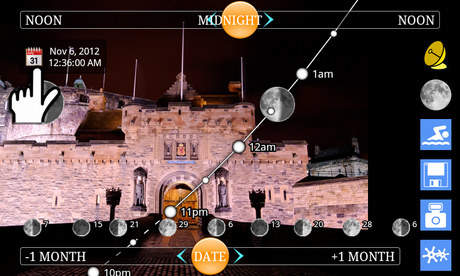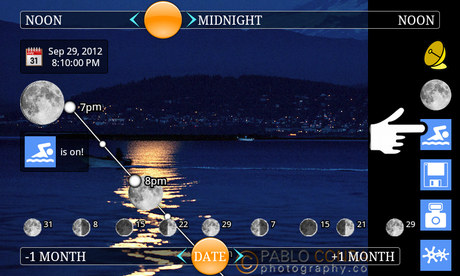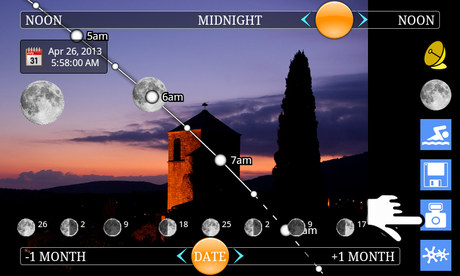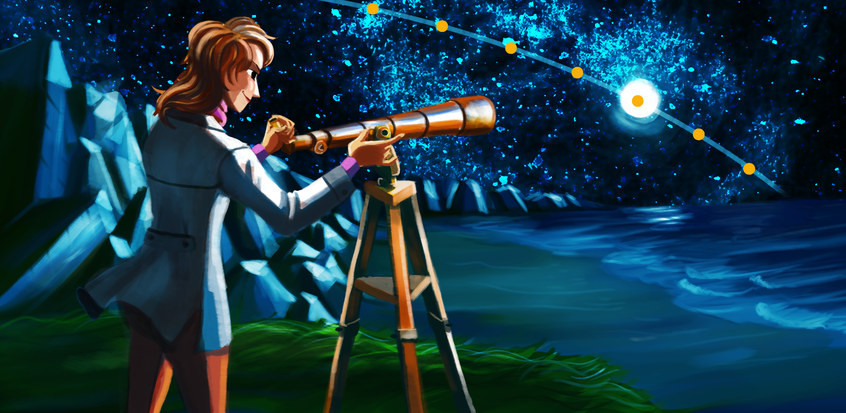
MoonTrajectory.net allows you to display
the future trajectories of the moon in augmented reality:
- Look through your phone and see the path of the moon.
- Find out if the moon will be full or what phase it will be
in.
- Plan the moonrise and moonset times, not only on the
horizon, but also on a building or a relief.
- Travel in time and see what path the moon will follow
in the months to come.
- Take and save photos.
- Check afterwards the different trajectories of the moon for a whole year.
Take a photo.
You can then change the date and consult the moon path without having to keep the
phone steady.
Click a second time on the "photo" button to go back to the live video mode.
Use the "disk" menu to organize your pictures:
Load a picture, and consult the different moon paths at different dates as if you
were still there.
Change the date, and save the picture as planned for a new date.
You can consult your saved photos as thumbnails.
Use the arrows to change the page. Drag vertically to look at a whole page.
Select a picture to obtain more details.
Click on the magnifying glass to display it full-screen and consult the various
paths of the moon on that picture, as if you had just taken it.
Sorting the saved photos by planned date (that is the date you chose before saving)
enables using the application as an agenda.
Use this agenda to plan when to return to a place you want to make a picture of.
Click on the map to display with Google Maps the spot where the picture was taken.
Welcome to
MoonTrajectory.net!
This
free app will enable you to visualize where the moon will
run its course while watching through your phone.
You can now plan:
Where and when the moon will rise or set.
When it will be hidden by a building or a relief.
When it will be seen according to a specific axis/angle.
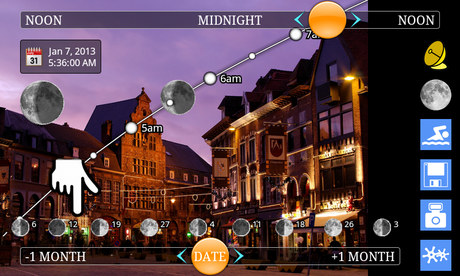
Use the moon phases calendar:
Learn at a glance on which days the moon will be full (or conversely when the night
will be moonless).
The upper-left drawing shows precisely which phase of the moon you will see on the
chosen date.
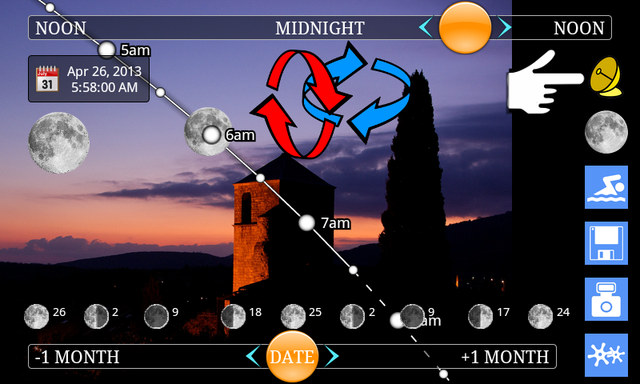
Drag or tap to change the date and thus pre-visualize the moon trajectory in the
weeks or months to come.
You can also set a particular date using the calendar.
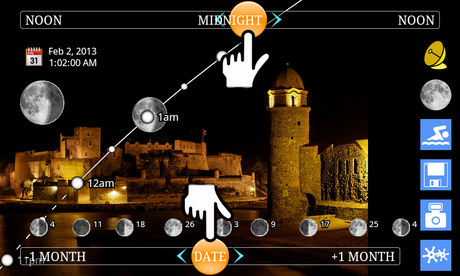
Drag or tap to change the time and make the moon run along its path on the selected
night.
Use the "now" button from the application menu to get back quickly to the present
date and time settings.
When the selected time is not visible on the screen, an arrow tells you where to
look for the moon at that time.